
Business moves fast today. The real question is not if you should improve efficiency, but how soon you can do it and how well it works. The good news is that better efficiency does not always mean rebuilding everything or buying expensive, complicated tech.
Many of the biggest wins come from adding a few simple (but very useful) digital tools to everyday work. These tools help businesses simplify workflows, lower costs, raise productivity, and do more with the same team, while staying flexible and competitive.
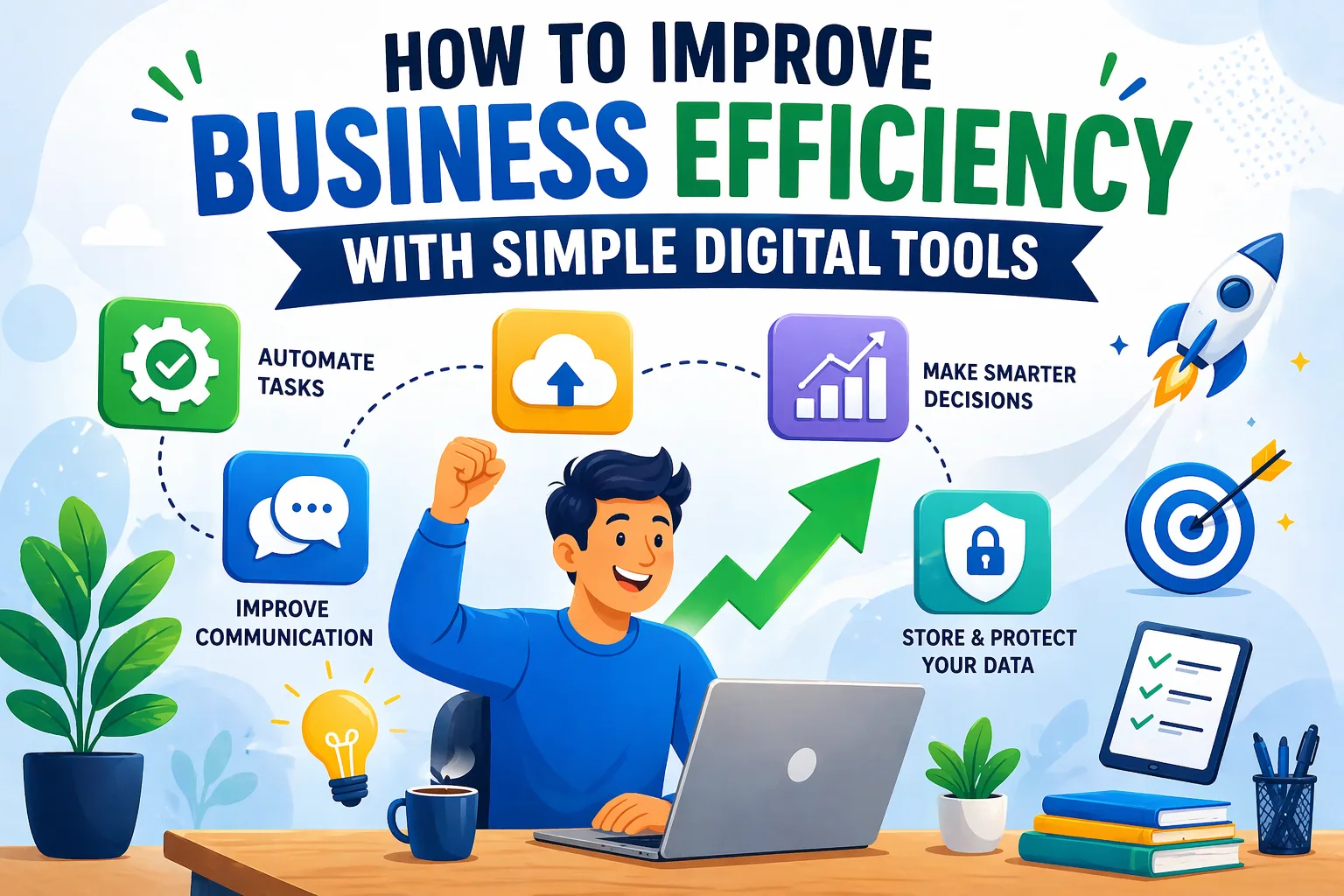
Digital tools can automate routine work, improve communication, and turn day-to-day information into clear insights. They also help people spend more time on planning, problem-solving, and customers instead of repeating admin tasks.
And since businesses now rely heavily on data, they also need strong ways to store and protect it. That is why reliable enterprise cloud storage is often a basic building block for smooth operations and security.
What is business efficiency and why does it matter?
Business efficiency means getting the best results using the least amount of resources. Resources can be time, money, tools, and people. An efficient business uses what it has wisely and keeps quality the same (or better). This is not about rushing or “cutting corners.” It is about using time and effort in the right places and improving the way work is done.
Efficiency matters a lot, especially in uncertain markets. Juan Perez, EVP and CIO of Salesforce, points to “protracted inflation, supply chain disruptions, market volatility, and recession fears.” In conditions like these, leaders are expected to deliver strong results with fewer mistakes and less waste.
Better efficiency often leads to stronger profits because costs go down and output goes up. It also affects employees. When people are stuck in broken processes, they burn out faster. When systems work well, workloads feel more manageable, job satisfaction improves, and teams can focus on better work.
How is business efficiency measured?
Efficiency is not measured only by profit. It is often measured by comparing output to input. Key Performance Indicators (KPIs) help you track progress and spot weak areas. If you want better customer service, for example, useful KPIs might be response time, customer satisfaction scores, and how many requests each support agent handles.
Other common metrics include employee output, project delivery time, cost per unit, and how well equipment or staff time is used. A good approach is to set clear goals, review current performance to create a starting point, and then compare results after you add a new tool or process.
Feedback also matters. Employee morale and customer comments can show whether changes are helping in real life, not just on paper.
What are simple digital tools for improving business efficiency?
Simple digital tools are apps and online platforms that help with common business tasks like organizing work, reducing repeated steps, improving communication, and reporting results. They usually do not need advanced IT skills or large budgets. Some may include AI features, but they are mainly built to solve everyday problems in a straightforward way. Think of them as practical helpers that let your team work smarter.
Many of these tools are cloud-based. That means you can use them anywhere with an internet connection, which helps remote work and teamwork across locations. Compared with paper processes or manual tracking, these tools are faster, more accurate, and keep information in one place.
Criteria for choosing effective digital tools
Picking the right tools matters. The goal is not to collect lots of apps. The goal is to choose tools that match your needs and make work easier. Here are key points to use when deciding:
- User-friendliness: The tool should be easy to learn and simple to use. If it feels confusing, people will avoid it.
- 3rd-party Integration: Most companies already use several tools. New tools should connect well with systems like Google Docs, QuickBooks, or Mailchimp so information does not get stuck in separate places.
- Customization: Workflows vary by business. A good tool lets you adjust settings, dashboards, and access permissions to fit how your team works.
- Scalability: The tool should still work well as you add more staff, projects, and data. Look for plans that let you grow without switching platforms too soon.
- Data Security: Security is a must. Look for features like multi-factor authentication, encryption, and support for rules such as HIPAA or GDPR if they apply to your business.
- Customer Support: Good support and clear help guides save time when something goes wrong or when you want to use more features.
Comparing digital tools to traditional methods
Digital tools work very differently from older methods. For example, managing projects with whiteboards and spreadsheets can lead to missed updates, manual errors, and confusion, especially if people work from different locations. A project management tool keeps tasks, notes, files, and deadlines in one place, updates in real time, and sends reminders automatically.
Customer tracking is another example. In the past, customer details might be stored in paper files or scattered email threads. A CRM can track leads, store contact history, and prompt follow-ups automatically. Moving from traditional methods to digital tools is more than a small upgrade. It changes speed, accuracy, and how easily a business can adjust to new needs.
How do simple digital tools boost efficiency?
Digital tools are not just “nice to have.” They change how work happens by fixing common problems like slow processes, unclear communication, and missing information.
Reduces time on manual processes
One of the fastest benefits is saving time on manual work. Think of time spent on data entry, filing, and scheduling meetings with long email chains. Juan Perez from Salesforce notes that software can take over “repetitive and monotonous tasks.” This saves time and gives people more space for work that needs human judgment. For example, tools like Calendly can handle meeting scheduling automatically, so people can pick an available time without back-and-forth messages.
Improves team communication and collaboration
Good communication keeps teams moving. Digital tools make it easier to work together in real time, even if people are not in the same office. Tools like Slack or pascom’s cloud phone system bring chat, calling, file sharing, and video meetings into one place. This speeds up decisions, reduces confusion, and helps teams stay aligned on priorities.
Automates repetitive tasks
Automation is a big reason businesses adopt digital tools. Bill Gates said, “automation applied to an efficient operation will magnify the efficiency.” Many tools now use AI to handle repeated work, like setting reminders, sorting emails, updating task lists, or keeping inventory levels current. AI can also record and summarize meetings, create templates, and help with simple content editing. The result is faster operations and more time for growth-focused work.
Supports better decision making through data
Businesses collect lots of data, but it only helps if you can use it. Digital tools can turn raw information into insights that guide better decisions. AI tools can spot patterns, compare your results with similar businesses, and help flag risks early.
For example, tracking delivery delays or travel disruptions can help you adjust plans before problems hit. This kind of data-based approach helps businesses find trends, measure performance, and adjust plans faster.
Which business areas benefit most from simple digital tools?
Most parts of a business can benefit from digital tools, but some areas usually see the biggest improvements, especially where work is repeated often or where communication and data handling are heavy.
Project and task management
Projects can get messy fast without a clear system. Project management tools like ProofHub put tasks, files, time tracking, workflows, and team communication in one place. This reduces the need for multiple disconnected tools and helps teams stay organized. Clear ownership, deadlines, and progress views reduce delays and misunderstandings.
Customer relationship management
CRM software is one of the most useful upgrades for many businesses. Tools like HubSpot or Salesforce help track leads, manage customer conversations, and support sales and marketing work. Many CRMs also use AI to speed up routine tasks so sales and service teams can spend more time on conversations that need a human touch.
Accounting and financial operations
Financial work is often slow and easy to get wrong when done manually. Tools like QuickBooks help with invoicing, payroll, expense tracking, and reporting. Since many are cloud-based, teams can access records easily and keep things organized. Automation reduces manual errors and gives clearer reports for better decisions.
Internal and external communication
Communication is the base of smooth work. Tools like pascom offer cloud phone systems with VoIP, video meetings, messaging, and call handling. Loom can reduce meetings by letting people record quick screen videos to explain tasks or train others. For customer communication, AI can route calls to the right department or answer basic questions through chatbots, which can speed up support.
Marketing and social media management
Many businesses depend on online marketing. Mailchimp helps run targeted email campaigns using templates and tracking. Tools like Hootsuite let you schedule social posts ahead of time, saving hours each week. AI can also help draft blogs, job posts, product descriptions, and social content, and create variations for different platforms.
What are examples of simple digital tools for businesses?
There are many tools available, so it helps to focus on ones that solve real problems without adding too much complexity. Below are common categories and examples that often improve efficiency.
Task and project management tools
These tools help teams plan work, track deadlines, and see progress. ProofHub is a popular option because it combines task management, file sharing, time tracking, and flexible workflows. Other well-known tools include Asana, Trello, and Monday.com.
Customer relationship management (CRM) software
CRM tools keep customer data and sales activity organized. HubSpot offers an all-in-one setup for service, sales, and marketing. Salesforce and Zoho CRM are also strong options, with different levels of integration and customization. These tools help teams follow up on leads and personalize customer communication.
Cloud storage and file sharing platforms
More businesses are moving away from storing files only on local devices or office servers. Cloud storage lets teams store, access, and share files from anywhere. Common tools include Google Drive, Dropbox, and OneDrive. For larger setups, AWS, Microsoft Azure, and Google Cloud can support more complex systems and reduce the need for expensive on-site infrastructure.
Communication and video conferencing apps
These tools keep teams connected. pascom offers cloud calling and collaboration features. Slack is widely used for team chat, file sharing, and simple automations. Microsoft Teams, Google Meet, and Zoom are also common for remote meetings and day-to-day collaboration.
Basic automation tools (e.g., scheduling, email marketing)
Automation tools reduce repeated work. Calendly automates meeting scheduling. Mailchimp supports automated email campaigns. Zapier connects apps so actions in one tool can trigger actions in another. Hootsuite schedules social posts, and Leadformly helps handle more leads with less manual work.
Accounting and invoicing software
QuickBooks is a common choice for managing business finances. It supports invoicing, payroll, expense tracking, and reporting. It also works with many other tools, which can help keep your finance workflow smooth.
How to choose the right digital tools for your business needs
With so many tools available, choosing can feel overwhelming. The best approach is to match each tool to a real business problem and a clear goal. A tool that works well for one company may not fit another.
Key features to look for
Start with features that fix the issues you already see. Beyond the main function, prioritize ease of use so your team can adopt it quickly. Integration with your current tools matters so data flows smoothly.
Customization helps you match the tool to your workflows, such as setting role-based access. Strong security (multi-factor authentication, compliance options, and certifications) is also necessary to protect business and customer data.
How to assess costs versus benefits
Cost is more than the subscription price. It also includes training time, setup work, and any paid integrations. Benefits can include time saved, fewer errors, faster processing, better reporting, and happier employees. Many tools offer free trials or low-cost plans, which helps you test value before committing. If a tool saves your team hours every week, it can pay for itself quickly.
Fit with existing business processes
A new tool works best when it supports your current workflow instead of forcing a full redesign overnight. Salesforce calls this “business intimacy,” meaning tech leaders should know what each part of the company actually needs. Work with department leads, map how work is done today, and choose tools that fit those goals. This makes adoption smoother and reduces disruption.
Scalability and ease of use
Your tools should handle growth without slowing down. Choose options that let you add users, projects, and storage without performance issues. Ease of use matters just as much. Tools with ready-made features and low-code options can help more people build simple automations without waiting on IT, which speeds up improvements across the business.
What are the risks and limitations of digital tool adoption?
Digital tools can bring big gains, but they can also create problems if you roll them out without planning. Knowing the risks helps you avoid expensive mistakes.
Data security and privacy concerns
Cloud tools and AI systems can create security and privacy risks if data is handled poorly. For example, placing sensitive information into some AI systems may expose it to broader training data pools. Businesses should pick vendors with strong security and use protections like multi-factor authentication, encryption, backups, and compliance with rules such as HIPAA or GDPR where needed. Also watch for phishing, including messages written with AI that may look very convincing.
Potential for over-reliance and tool fatigue
It is possible to depend too much on tools. McKinsey reports that about 70% of digital transformation efforts do not hit their goals, often because people do not adopt the change. If teams use AI-generated content without review, messages can feel generic, harm trust, or get flagged as spam.
Human review should stay in place for customer-facing communication. Also, adding too many tools too quickly can overwhelm staff and reduce productivity instead of improving it.
Training and change management issues
People are often the hardest part of change. Many programs fail because employees do not adopt new ways of working. Some may worry that tools are too hard to use or will replace their roles. This is why training and change management matter.
Teams need hands-on help, clear communication, and visible support from leaders. When people understand how tools help them day to day, adoption improves.
How to successfully integrate digital tools into your business
Adding new tools is not only a tech task. It is an organization change. A good rollout plan focuses on people and process, not just software.
Step-by-step implementation process
Start with clear goals that you can measure. Then review how work is done today and identify where time is being wasted. Use that review to choose tools that solve specific problems. Include the people who will use the tools, since they understand the real workflow. Roll out tools in small phases, track results, and adjust based on what you learn. With AI tools, it often makes sense to start small and prove value before expanding.
Training employees and managing change
Automation helps by taking on work that people usually do not enjoy, which can reduce stress and burnout. But employees still need training and support to use new tools confidently. Training should cover how to use the tool and why it is being added. Explain how it saves time, reduces frustration, and lets people focus on more interesting work. Clear communication and ongoing support help teams feel included instead of pushed.
Measuring efficiency gains
After rollout, measure results consistently. Track[](https://www.qlik.com/us/kpi)KPIs tied to your goals, such as customer acquisition cost, average order value, or employee output. Compare results before and after the tool is added. For example, Vonage used automation to cut account/phone provisioning time from four days to minutes and reduced human error. Clear results like this help prove the value and guide what to improve next.
How to evaluate the impact and ROI of digital tools
To know if tools are worth it, you need a clear way to evaluate results. This helps confirm what is working and what should be changed.
What metrics should be tracked?
Track metrics linked to your goals. For operations, you might track cycle time, error rates, task completion rates, and resource usage. For customer service, track response times, CSAT scores, and how many tickets are solved through self-service or chatbots. For sales and marketing, track lead conversion rates, customer acquisition cost, average order value, and campaign ROI. Employee-focused measures, like time spent on admin work and staff survey results, also show whether tools are helping in practice.
Calculating time and cost savings
Time savings are often the easiest to convert into real numbers. Add up hours saved by automating tasks and multiply by labor cost. Also look for direct cost drops, like less paper, lower phone costs from VoIP, and fewer travel expenses due to video meetings. If you can do the same amount of work with fewer hours (or do more work with the same team), ROI usually improves.
Gathering feedback for continuous improvement
Data matters, but feedback fills in gaps. Ask employees and customers how the tools affect their experience. Use surveys, short interviews, or regular check-ins to collect ideas. This helps you fine-tune how tools are used and keeps people involved. When feedback is ongoing, your setup stays useful as business needs change over time.
Final thoughts: making business efficiency a sustainable priority
Efficiency is not something you finish once and forget. It is ongoing work. Digital tools help a lot, but long-term results also depend on company habits and attitude.
Encouraging a culture of continuous improvement
Business efficiency needs a mindset of steady improvement and learning. Build this into your culture by inviting teams to share ideas for removing repeated manual work and fixing bottlenecks. When employees help shape automation and process changes, they are more likely to support them. This also supports innovation because people look for better ways to work instead of waiting for management to tell them what to do.
Staying up-to-date with digital innovations
Digital tools keep changing, and new options appear often. You do not need to chase every new trend, but you should stay informed about bigger shifts like AI and cloud services. Review your current tools regularly, test new solutions when they match a real need, and stay willing to adjust as your business and market change. With smart choices and steady measurement, digital tools can help your business stay flexible, efficient, and ready for long-term growth.
More must-read stories from Enterprise League:
- Discover how automation tools can streamline your daily business operations.
- Learn why inventory management software is essential for modern businesses.
- Explore the advantages of business process automation for increased productivity.
- Find out which types of software every business needs to stay competitive.
- Master remote team communication strategies for better collaboration.