Introduction Just having a website isn't enough for businesses today. Companies, especially SaaS businesses, need to make sure their platforms are visible and user-friendly. This is where SEO for SaaS comes in. But SEO isn't just about adding keywords; it requires a...
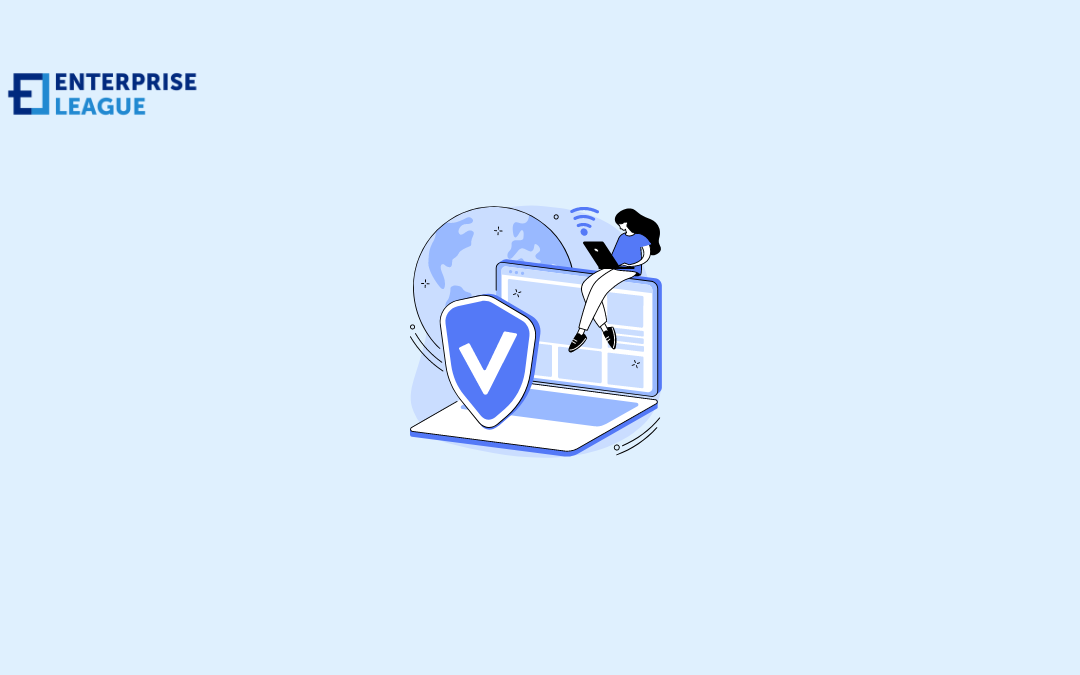
Free VPN for windows: How to protect your PC
Now, more than ever, organizations and individuals resort to browsing the web to conduct their daily activities. The high rate of browsing by both organizations and individuals exposes your data to hacks; it is increasingly becoming more difficult to ensure privacy while surfing the web.
For businesses, client data protection is critical; you can only be relevant in the global market if your customers trust you. The hackers you expose yourself to while browsing can steal your personal information, web browsing history, or payment data through any of the several emerging fraudulent schemes.
The issue of data protection becomes serious if we take into consideration that approximately 15 million data records were exposed globally were exposed in the third quarter of 2022, according to Statista. The figure shows the severity and how desperate hackers have become; to counter the activities of hackers, some users have cause to resort to private browsings, such as the Incognito mode of Google Chrome, InPrivate Browsing on Microsoft Edge, and Private Browsing of Firefox when connecting their PCs to the internet.
While private browsing will ensure that your browser history or search history is not stored by your PC, your data will still be shared between your PC and your internet service provider (ISP). Prying eyes can also detect traces of your browsing activities and capitalize on that to exploit entryways into the operating system.
Simply put, private browsing is not secure; you rely on your ISP to provide your internet protocol address for effective browsing, and a third party can detect your browsing activities and exploit the loophole to gain entry into your network system. The best option you can use to protect your data from prying eyes while browsing the web is a VPN.
What is VPN
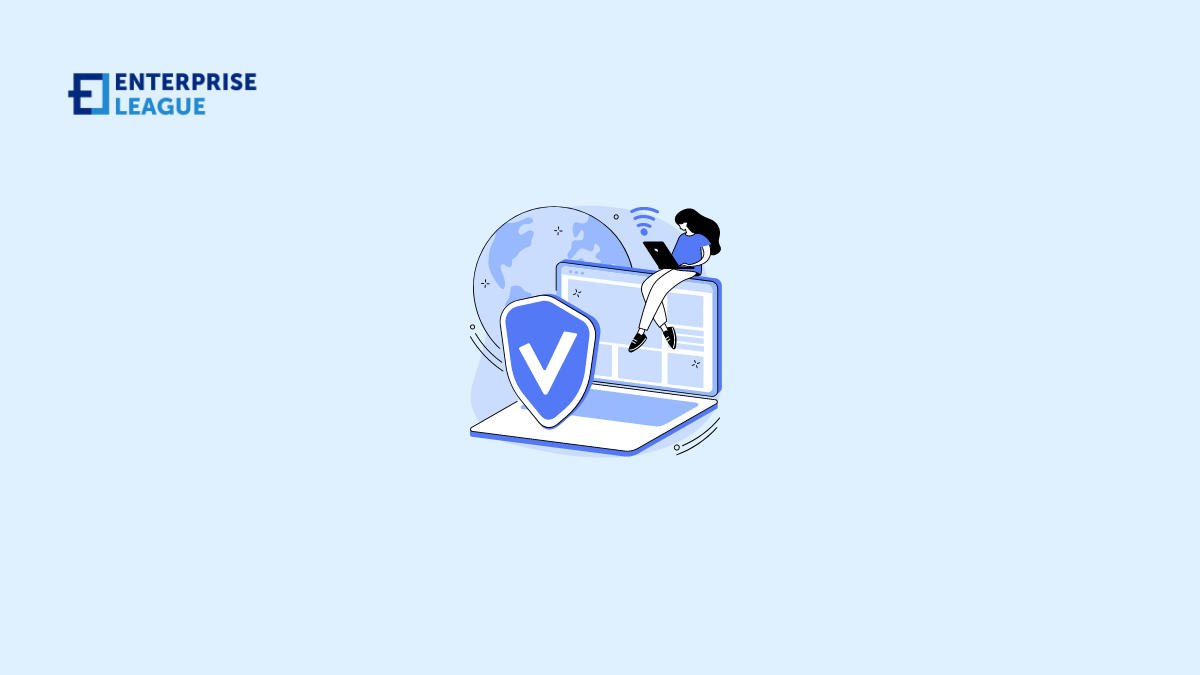
VPN simply means virtual private network, a VPN will encrypt any activity you carry on online and ensures that a third party who may accidentally access your data will not make any sense out of it. When a VPN hides your online identity and internet traffic, a third party finds it extremely difficult to break in and steal your data.
Ideally, when you browse with your PC, your ISP provides the connection you need and keeps track of your activities through your IP address; any web traffic you generate passes through your ISP’s servers; your ISP can log in and observe all your online activities. Even where you trust your ISP not to hand over your browsing history to advertisers, police, or other government agencies, there have been cases such have happened; apart from intentionally handing over your personal and private data to a third party, your ISP can also be hacked, and your details become compromised.
Stealing or compromising your data is worth considering if your organization depends largely on public Wi-Fi networks to conduct its activities. Employees’ and customers’ passwords, personal data, identity, and payment information can be up for grabs by hackers who are intently watching your internet traffic.
How does VPN protect a PC
A VPN will mask your PC’s IP address any time you connect to the internet; it will redirect your IP address through a specially configured remote server run by the VPN service provider. The VPN effectively makes its server the origin of your data; your ISP or any other third party won’t be able to trace your activities on websites you visit; even when they can track your activities, the information you are sending or receiving looks gibberish and useless to them.
A VPN will encrypt both your log and IP address, verify anyone trying to log into your network through multifactor authentication and quit preselected programs through a kill switch. By encrypting your data once you connect your PC to the internet, a key is needed to decipher the encrypted information; only your VPN and PC know the key; your ISP cannot discover where you are browsing from.
Notwithstanding whether your VPN is free or paid, the two stages a VPN works are:
- After booting your VPN when you are online, the VPN acts as a secure tunnel between your PC and the internet, disabling your ISP or any prying eyes from seeing into the tunnel.
- Your PC will automatically be on the VPN’s local network; the VPN then changes your IP address to one of the IP addresses the VPN’s servers provide, and you can then browse the web securely.
How to install a free VPN for a PC
Before installing either paid or free VPN for windows, you need to be familiar with the different ways to implement them.
Standalone VPN client
To install a standalone VPN, you need a piece of software that requires configuration matching the requirements of the endpoint. During the installation and setting of the encryption tunnel processes, the endpoint runs the VPN connection and connects to the other endpoint.
The Standalone free VPN client implementation type is found commonly in windows people use at homes and small businesses.
Browser Extensions
You can add VPN extensions to windows for browsing; examples include Google Chrome and Firefox. In the case of Opera, it comes with built-in VPN extensions.
VPN extensions make it easy for users to quickly toggle and configure their VPN while they browse the internet. The only handicap with browser extensions is that the VPN connection applies strictly to information shared on that browser. The VPN may not encrypt other browsers and non-browser internet use.
Depending on your needs, you can also install a free corporate VPN or VPN router for windows.
Conclusion
A VPN will protect your IP and encrypt your browsing history, but it will not keep you safe if you visit phishing websites or download compromised files. You can still be at risk of Trojans, Bots, Malware, Spyware, and viruses while using a VPN.
Your VPN provider will see your internet traffic the same way your ISP does; to forestall a case of your data becoming compromised, subscribe to a reliable VPN service provider.
More must-read stories from Enterprise League:
- Implement a CRM strategy for your business using this guide.
- The best apps for entrepreneurs that will help you achieve your goals.
- How to ask for a deposit in a contract without being awkward or losing a client.
- Common hiring mistakes that employers make and how to prevent them.
- Profitable and funny business idea that you can start today.
Related Articles

Why Every Business Needs a Technical SEO Agency
read more

19 real estate business ideas that let you start small and grow loud (2026)
Perfect for side-hustlers, career-changers, and anyone who wants their money working harder than they are. These real estate business ideas are where to start.
How Individual Cyber Mistakes Can Turn into Business Risks
The data related to cyberattacks on businesses is simply eye-opening. In 2024, there were 1,636 weekly attacks per organization. In the case of small businesses, 75% of them experienced at least one cyberattack in 2025. A worrying trend that has come up is that...

What Are the Best Commercial Dock & Door Repair and Installation Services? 6 Providers in Northern VA
If your business depends on shipping, receiving or moving freight, the loading area connects trucks to your building and keeps your entire operation moving. When the bay doors stick, levelers fail or safety equipment breaks down, the ripple effect spreads quickly....

What Are the Best Family Law Firms Specializing in Child Custody Disputes? 7 Options in Columbia, TN
Child custody can feel like a business negotiation where the stakes are your kid's best interests and daily life. You want a firm in Columbia, Tennessee, that moves fast, speaks plainly and knows the local court rhythm. While many law firms could help you with your...